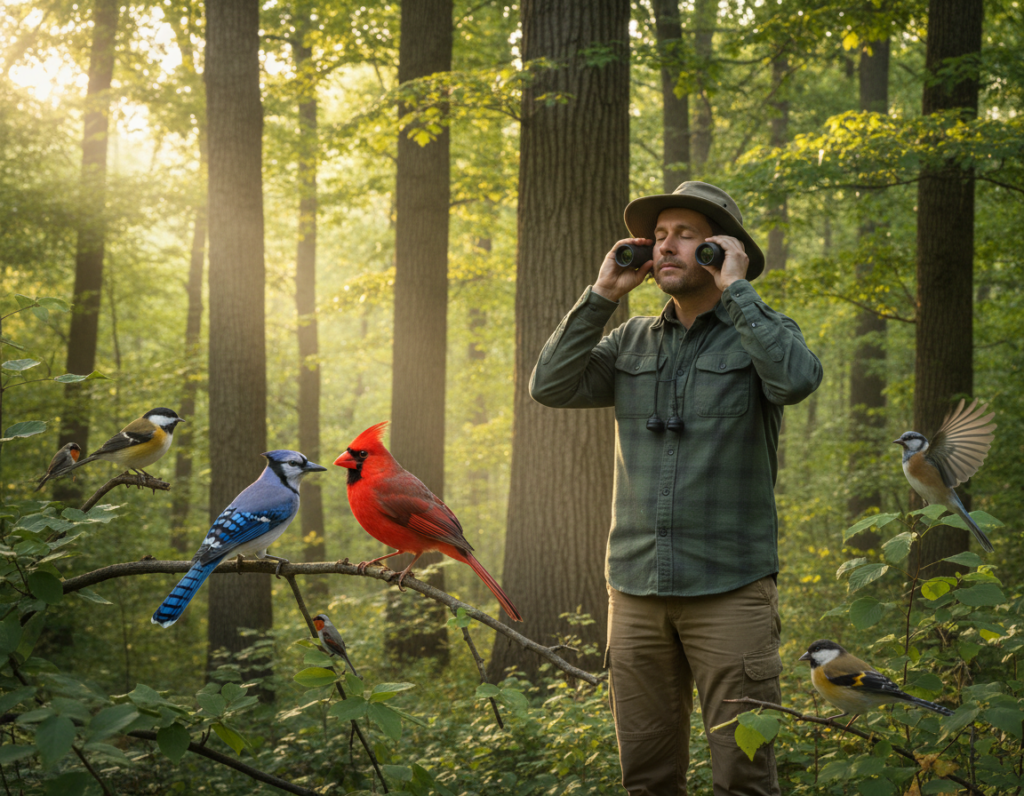
Urban newcomers often find identifying birds a steep learning curve. Many people struggle to name the species they spot in a yard or park. Tools such as Merlin, Audubon, and eBird can shorten that learning time and make field study less intimidating.
These digital guides bring expert knowledge to a phone in your hand. The Cornell Lab of Ornithology powers much of the technology behind these tools, which helps birders gain confidence quickly.
Using a curated list of apps turns a short walk into an educational moment. The identification process becomes clearer when a reliable guide narrows down species choices. Over time, people build skills without feeling overwhelmed.
Each app offers unique tracking and reporting features. That lets beginners log sightings and contribute to broader studies while they learn. For urban birding newcomers, the right app can make all the difference.
Why Urban Birdwatching Beginners Need Digital Tools
City green spaces hide a wide range of species, and digital tools help newcomers make sense of that variety. The Cornell Lab of Ornithology notes that field guides can overwhelm learners with endless choices.
Digital guides shorten the decision process. They present a focused list of “most-likelies” based on location and season. That makes identifying a bird in the moment much easier.
For many new birders, an app acts like a patient expert. It lets a birder confirm the same species several times without frustration. Instant feedback speeds the learning curve and builds core birding skills.
- Reduces the volume of possible species.
- Offers repeatable feedback for faster learning.
- Gives a simple, confidence-building list during outings.
These tools help people move from casual sightings to steady practice. By lowering the stress of manual ID, they encourage more time outdoors and steady improvement in birding skills.
Top Picks for the Best Bird Recognition Apps
Good mobile guides reduce guesswork and let newcomers focus on observing more closely. This section highlights two widely used options that suit urban birding and short trips.
Ease of Use for New Birders
Merlin stands out for a clean interface and a guided, step-by-step identification flow. It narrows a list of likely species using location, date, and visible field marks.
The Audubon app complements that approach with structured filters that teach identification skills as the user explores. Both provide rich reference data so learners can spend time reading between outings.
- Clear prompts that speed the identification step.
- Mobile-friendly design for quick use during a walk.
- Reference material maintained by the Cornell Lab of Ornithology.
Offline Functionality for Field Trips
Downloading region packs keeps essential data available without a signal. Merlin’s offline packs ensure the guide works even in parks with poor coverage.
Choosing the right packs and features saves time in the field and lets birders focus on observation instead of connectivity.
Mastering Visual Identification with Merlin
Merlin turns a phone into a practical field guide that suggests likely species in seconds. It uses AI trained on millions of photos and sounds from the Macaulay Library at the Cornell Lab. This makes photo and sound identification fast and reliable for newcomers.
The step-by-step interface asks for location, date, and visible field marks such as size and color. Users can upload a photo or tap Sound ID to record a call and get a suggestion in real time.
- Machine learning compares your photo or recording to a huge library of songs and photos.
- Sound ID records and returns an identification while you listen.
- The app saves recordings and builds a personal list for later review.
“Merlin provides consistent, on-phone guidance that helps birders improve with each use.”
For urban outings or backyard checks, Merlin is a practical tool that gives quick information and helps users build confidence over time.
Building Field Skills Through the Audubon App
Audubon’s mobile guide combines a century of north american observation with tools that teach methodical field work.
The app focuses on clear, repeatable steps. It prompts users to note tail shape, wing shape, and habitat. That practice trains the eye to find small, reliable features.
Utilizing Identification Filters
The identification filters help narrow a list of possible species fast. Users select shapes, colors, and habitat to cut guesses down.
- Structured prompts develop practical birding skills over time.
- Filters for tail and wing shape teach where to look on a bird.
- Access to calls and sound files helps match what you hear to a name.
- The guide emphasizes north american species for local depth and accuracy.
By practicing with these features, birders refine their observation and identification in the field. The app’s information and photo references support steady improvement with each outing.
Illustrative Guides for Detailed Species Analysis
Illustrated guides bring anatomy and posture into focus, helping users tell similar species apart quickly. These resources pair art and audio so learners can confirm a sighting by eye and ear.
The Sibley Advantage
The Sibley Guide to Birds app highlights high-quality illustrations by David Sibley that show posture and movement.
Those static plates help a user match a fleeting view in the field to a clear reference image.
The app version of the book keeps a searchable list and taxonomic sort.
It’s a compact way to carry extensive reference information and data on north american species.
Warbler Guide Specialization
The Warbler Guide focuses on warblers with 3D models and annotated sonograms for 35+ species.
Annotated audio and songs let learners compare calls and match a sound to an image.
- Side-by-side comparison of similar species.
- Sortable lists by taxonomic order or alphabetically.
- A built-in library of calls and sound files for quick reference.
- A travel‑light version of the book with detailed identification tools.
“Illustrative guides let birders move beyond basic ID and learn plumage nuances.”
Advanced Tools for Identifying Bird Songs
Smartphone audio and AI now make it possible to study complex song patterns on the go.
These tools help learners turn short recordings into clear information. They combine spectrograms, neural networks, and training modules so a user can build skills quickly.
Spectrogram Analysis
Spectrograms display song frequency and timing so a listener can see patterns that ears alone might miss.
Recording a call with a phone produces a visual that helps separate overlapping songs and spot diagnostic features.
BirdNET Technology
BirdNET uses a deep neural network to identify bird sounds in real time. The tool was developed in collaboration with the Cornell Lab of Ornithology and Chemnitz University of Technology.
It analyzes a recording and returns likely species with confidence scores, helping a user confirm an ID in the field.
Quiz-Based Learning
Apps like Chirp! USA and Larkwire train the ear through short quizzes and repetition.
Larkwire offers structured modules that act as a master class in songs, while Chirp! USA provides three difficulty levels for steady progress.
- Use a phone to record a call and visualize it on a spectrogram.
- Train away from the field with quiz sessions and an expanding song library.
- Practice identifying multiple species singing at once for real-world confidence.
“These audio tools turn listening into a repeatable learning process.”
Combined, spectrogram analysis, BirdNET, and quiz-driven study form a practical path for any birder aiming to improve song ID and on-site decision making.
Contributing to Science with eBird
Submitting your sightings to a shared database turns casual observation into measurable science.
eBird is a global database for sightings, sounds, and photos managed by the Cornell Lab of Ornithology. The app lets users log a list on the go, making it simple to add locations, species, and notes from the field.
Every submitted list helps conservation. Researchers use that data to track populations, map migrations, and spot changes over time. Contributors build a permanent archive of photos and recordings that support long-term study.
- The eBird app tracks sightings and syncs with a global database.
- It integrates with other tools to record photos and a single recording or call while in the field.
- Users can sort data by species, location, or taxonomy via a powerful dashboard.
- The community feature reveals local hotspots and recent finds from other observers.
“Every sighting counts; using eBird is a direct way to join citizen science.”
For newcomers and experts alike, submitting lists is an easy way to support conservation and learn from a vast library of songs, photos, and reports. For more on choosing the right tools, see the only birding apps you’ll ever.
Conclusion
Combining visual guides and sound tools helps newcomers grow confident in the field.
Choosing the right app can speed skill building and make outings more productive. Visual guides teach plumage and posture while sound tools train the ear on songs and calls.
Consistent practice turns scattered sightings into a useful list and sharper observation. Each recorded encounter adds value to personal learning and to shared data used by researchers.
Start small, stay curious, and use these tools regularly. They make exploring local nature more accessible, educational, and enjoyable for anyone beginning their journey.